Reading the source
The Word 97–2003 binary reader decodes text pieces, inherited basic styles, lists, top-level tables, inline PNG/JPEG, visible field results, bookmarks and distinct notes. Headers and footers are appended once as prose.


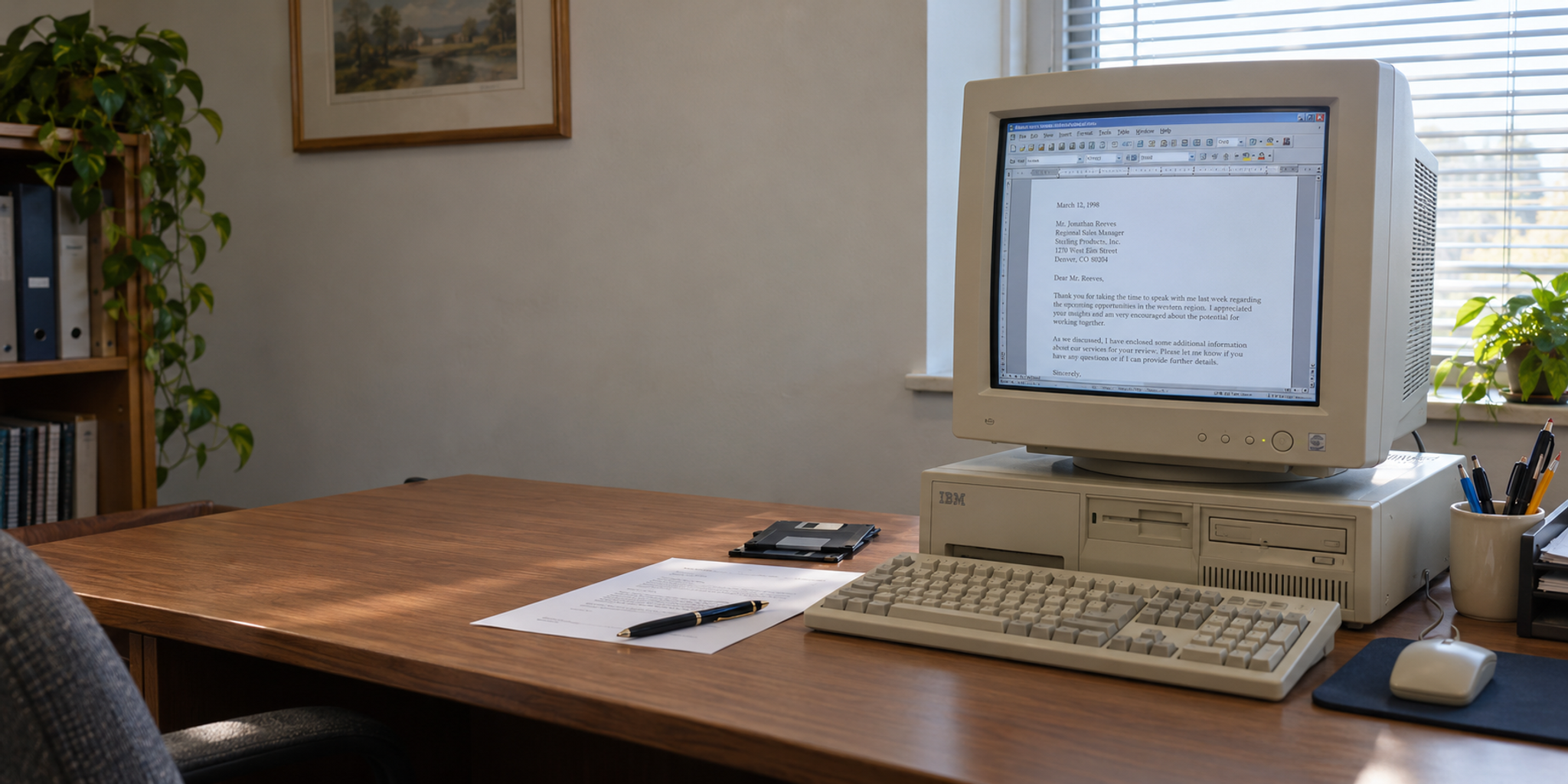
Conversion uses Universal Text Conversion Engine (UTCE), with dedicated source readers, internal data models, transformations and target writers.
The Word 97–2003 binary reader decodes text pieces, inherited basic styles, lists, top-level tables, inline PNG/JPEG, visible field results, bookmarks and distinct notes. Headers and footers are appended once as prose.
The supported source content is normalized into a shared semantic model and serialized by the target writer. Paragraphs, tables, images, links and metadata survive only where both adapters represent them; target formatting cannot recreate omitted source content.
The experimental ODF writer stores supported prose, headings, lists, table spans, images, links, notes and selected metadata. ODT packages local resources; FODT embeds images in flat XML.
Source
.doc
The Word 97–2003 binary reader decodes text pieces, inherited basic styles, lists, top-level tables, inline PNG/JPEG, visible field results, bookmarks and distinct notes. Headers and footers are appended once as prose.
Explore DOC format →Target
.odt
The experimental ODF writer stores supported prose, headings, lists, table spans, images, links, notes and selected metadata. ODT packages local resources; FODT embeds images in flat XML.
Explore ODT format →The Word 97–2003 binary reader decodes text pieces, inherited basic styles, lists, top-level tables, inline PNG/JPEG, visible field results, bookmarks and distinct notes. Headers and footers are appended once as prose. Word 6/95, encrypted documents and nested tables are rejected. Floating drawings, comments, text boxes, revision history and exact print layout cannot be reconstructed.
The experimental ODF writer stores supported prose, headings, lists, table spans, images, links, notes and selected metadata. ODT packages local resources; FODT embeds images in flat XML. This is an experimental prose subset: native page layout, style inheritance, formulas and revision history are not reconstructed.
The supported source content is normalized into a shared semantic model and serialized by the target writer. Paragraphs, tables, images, links and metadata survive only where both adapters represent them; target formatting cannot recreate omitted source content. Retain the original if exact typography, layout or complete metadata matters. Reflow is useful for reuse of supported content, but it is not archival reconstruction.
Word 6/95, encrypted documents and nested tables are rejected. Floating drawings, comments, text boxes, revision history and exact print layout cannot be reconstructed. Retain the original if exact typography, layout or complete metadata matters. Reflow is useful for reuse of supported content, but it is not archival reconstruction. This is an experimental prose subset: native page layout, style inheritance, formulas and revision history are not reconstructed.
Convert locally in your browser. Select documents of the same source format, review the options and download the results. Provisional acceptance within an experimental profile. Independent review is required; explicit opt-in is required before conversion.